
Context Shifting in BIM: The Hidden Cost of Switching Projects
In a multi-discipline BIM environment, it’s common to watch people snap-switch between projects: an architect jumps from Project A to Project B because a deadline suddenly moves; an MEP modeler pauses a clash fix to respond to an RFI; a coordinator shifts from a coordination package to an IFC export because “it’s due tonight.”
On paper, it looks like flexibility..
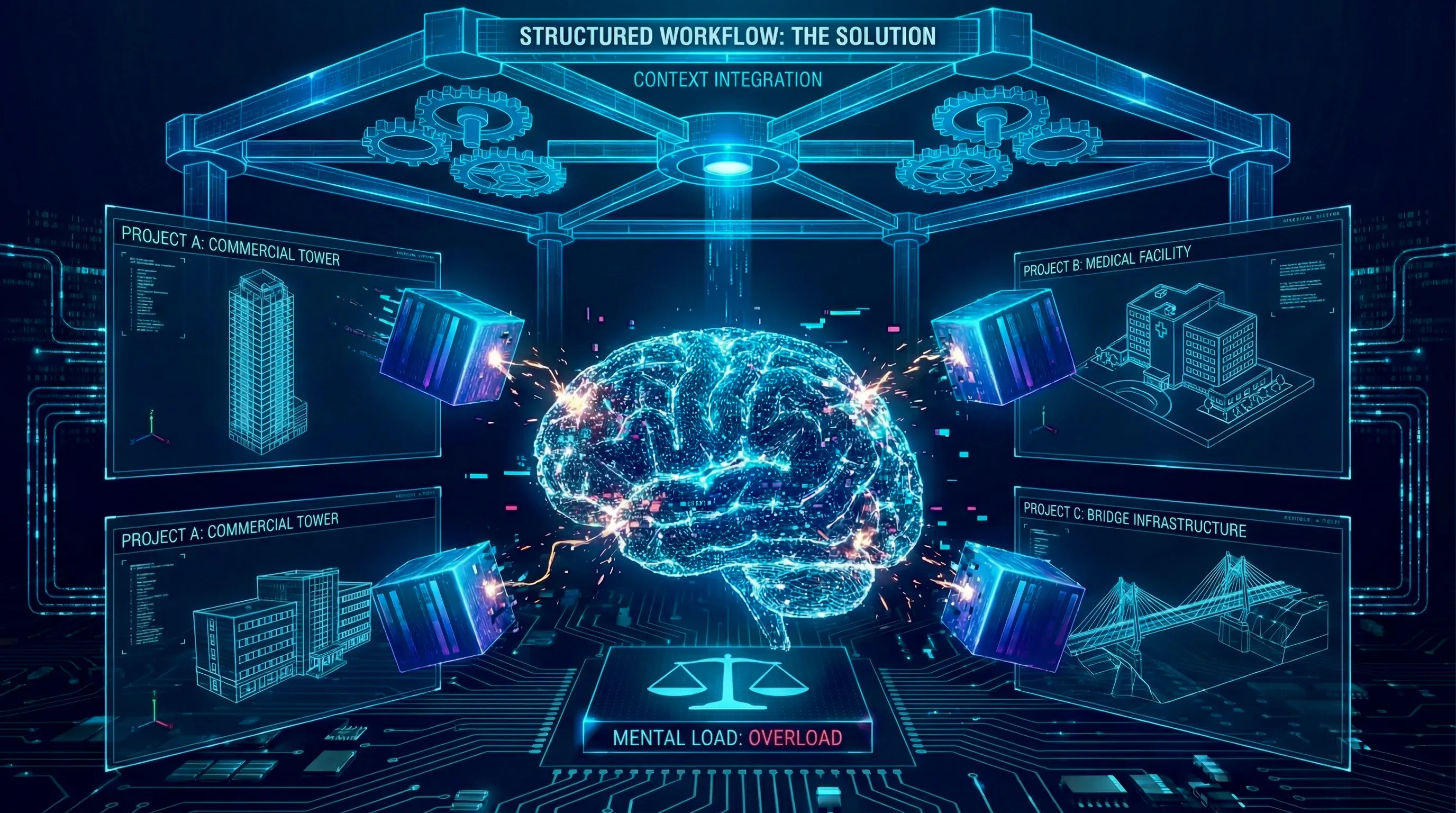
In reality, it creates a repeated, invisible tax: context shifting, the cognitive cost of unloading one project and reloading another.
This research explores:
- What “context shifting” actually is (research-backed).
- Why BIM environments amplify it.
- What it costs teams (time, mistakes, stress).
- And what a practical “project state” solution must contain.
The Observed Pattern (BIM Reality)
Across architecture, structure, MEP, and BIM coordination, the switching pattern often looks like this:
- Deadline triggers a sudden shift (submission, client comment, RFI response, coordination meeting).
- The team member pauses a task mid-stream.
- They reopen a different project and spend time:
- Hunting the latest model / link set.
- Remembering the last decision.
- Rebuilding the “mental map” of what’s risky vs stable.
- Scanning messages, comments, meeting notes, and issue trackers.
- They start working again, often slightly slower, slightly less certain.
That “rebuild” phase is the real cost.
What Research Says About Switching Costs
1. Task switching creates measurable performance loss
Classic work in cognitive psychology shows that switching between tasks introduces “switch costs” (extra time + errors) because your brain must shift goals and re-activate rules for the new task.
The APA summarizes this as a productivity loss that can be substantial, often described as up to ~40% of productive time lost in high-switch environments.
2. Interruptions don’t just steal minutes, they change behavior
Gloria Mark’s research on interrupted knowledge work found that interruptions are associated with more speed + more stress, and people compensate by working faster afterward.
A related Microsoft Research paper also cites findings that it can take around 23 minutes on average to resume after an interruption (context: knowledge work and distractions).
The important nuance: it’s not that your brain is “broken for 23 minutes.” It’s that interruptions often trigger a chain of other tasks before you fully return.
Why BIM Amplifies Context Shifting
BIM work is not “one file, one task.” It is stateful and interdependent, which increases reload time.
BIM-specific amplifiers
-
Model state is fragile
- Which model is current?
- Which links are loaded?
- Which worksets?
- Which coordinates?
- Which view templates and filters?
-
Decisions are distributed Decisions live across:
- clash comments,
- meeting minutes,
- RFIs,
- submittal responses,
- WhatsApp/Teams/Email threads,
- issue trackers.
-
Risk is invisible until it breaks In BIM, you don’t “feel” the risk like in physical work. You discover it when:
- a clash reappears,
- a tolerance assumption fails,
- a late design change propagates.
-
Multiple definitions of “done” A task can be “done” for modeling but not “done” for coordination or “done” for consultant acceptance.
So switching projects isn’t only switching tasks. It’s switching systems.
The Real Failure Mode: “State Reconstruction”
When a team member returns to a project, they’re forced to reconstruct:
- What’s the current goal?
- What changed since last time?
- What is blocked?
- What decisions are locked?
- Where is the danger zone?
- What is the next action?
If that state is not stored somewhere clean, the brain becomes the storage system.
This is why people:
- re-read threads,
- open 10 views,
- search meeting notes,
- ask others for “quick updates,”
- and still miss something.
Cost in Construction Context: Information Overload is a Known Problem
Construction management literature has long described information overload as a project-team risk: too much incoming material, not enough time to process it, and increased chance that key information is missed.
In BIM coordination, overload becomes “operational” because model changes and decisions are continuous.
A BIM Example Scenario
You are coordinating HVAC on Project A. You are mid-resolution on a duct clash at Grid C4, Level 02.
A message arrives:
“Project B: Issue export needed for tonight’s submission.”
You switch.
When you return to Project A, your brain must recover:
- which duct run was the priority,
- what the agreed reroute rule was.
- whether the structural beam was fixed or pending.
- whether the ID ceiling constraint was negotiable.
- whether you were waiting on a reply.
Even if the switch took 15 minutes, the re-entry can take longer than the interruption.
What “Good” Looks Like: Fast Re-entry Without Asking Colleagues
A mature BIM environment treats every project as having a saved state (like a game save).
When you re-enter the project, you should be able to answer in under 2 minutes:
- What’s the current objective for my discipline?
- What changed recently that affects me?
- What is blocked and why?
- What decision is locked (do not undo)?
- What is my next concrete action?
- What is the “danger zone” area (with a visual)?
This is the foundation of a One-Page Project State.
The Solution: The One-Page Project State
To eliminate the 23-minute rebuild phase, teams need a standardized “save state” for their models. This shouldn’t be a complex database; it should be a simple, single-source-of-truth markdown file or dashboard that lives right next to the project shortcut.
Here is the framework:
The One-Page Project State
Purpose
To allow any team member, regardless of discipline, to re-enter a project in under 3 minutes without relying on memory or verbal updates.
This is not documentation.
This is project state compression.
1. Project Identity (30-second orientation)
- Project Name
- Phase (SD / DD / IFC / Tender / Construction)
- Discipline Context (Arch / Str / HVAC / Elec / Plumbing / Fire / ID / BIM)
- Current Submission Target
- Last Updated Date
This anchors the brain.
2. Current Objective (The Anchor)
If this project succeeds this week, what must be true?
Example:
- “Complete Level 04 ceiling coordination for consultant review.”
- “Issue clash-free structural drop zones for mechanical shafts.”
One sentence only.
3. System Health Snapshot
Use signal status, not paragraphs.
🔴 Blocked
List only items that cannot progress.
🟡 Fragile
Items that are technically moving but unstable (pending confirmation, tolerance assumptions, pending client reply).
🟢 Stable
Confirmed decisions or locked zones.
This replaces emotional ambiguity with structured clarity.
4. Locked Decisions (Do Not Undo)
Short bullet list:
- Beam B23 depth fixed at 650mm
- Ceiling drop limited to 300mm
- 5mm coordination tolerance baseline
If a decision is not here, it is considered revisitable.
This prevents silent reversals.
5. Risk Zone Map (Visual Anchor Required)
Insert one marked screenshot showing:
- Critical area
- High-clash zone
- Constraint-dense area
Humans reload faster visually than textually.
6. Resume Instruction (The Most Important Section)
If I open this model right now, what do I do first?
Example: “Open Level 02 Mechanical Plan → resolve duct reroute at Grid C4 → re-run clash set 03.”
No ambiguity. No decision fatigue.
7. Change Since Last Entry
Only changes that affect modeling logic:
- ID ceiling layout revised (north wing)
- Structural column shift at Grid D5
- Client approved shaft resize
This prevents silent divergence.
8. Open Loops (Max 5)
Short list of unresolved but important items.
Limit prevents overload.
Why This Works
- Reduces cognitive reload time
- Makes project state explicit
- Prevents decision erosion
- Eliminates reliance on memory
- Scales across disciplines
It turns switching from: “Reconstruct the project” into: “Dock and continue.”
The Takeaway: Your Brain is a Processor, Not a Hard Drive
We spend thousands of hours coordinating building models, but almost zero time coordinating our own attention.
The goal of the One-Page Project State isn’t to create another useless administrative form to fill out. It’s to build a cognitive save-point. By externalizing the immediate status of a project, the bottlenecks, the locked decisions, and the exact next step-you stop relying on your memory to reconstruct the puzzle every time the priority shifts.
The next time a deadline forces you to snap-switch from a heavy clash resolution to an urgent IFC export, take 60 seconds to write down your state. The 20 minutes of mental rebuild time you save when you return will prove its worth.
Download Project State Template (PDF) →